
Lower = more subtle/invisible
Contrast Shadow
Improves visibility on any background
Creator Commerce Examples
See how QR codes work on real product photos. Each example shows a scannable QR code linking to the actual Amazon product.
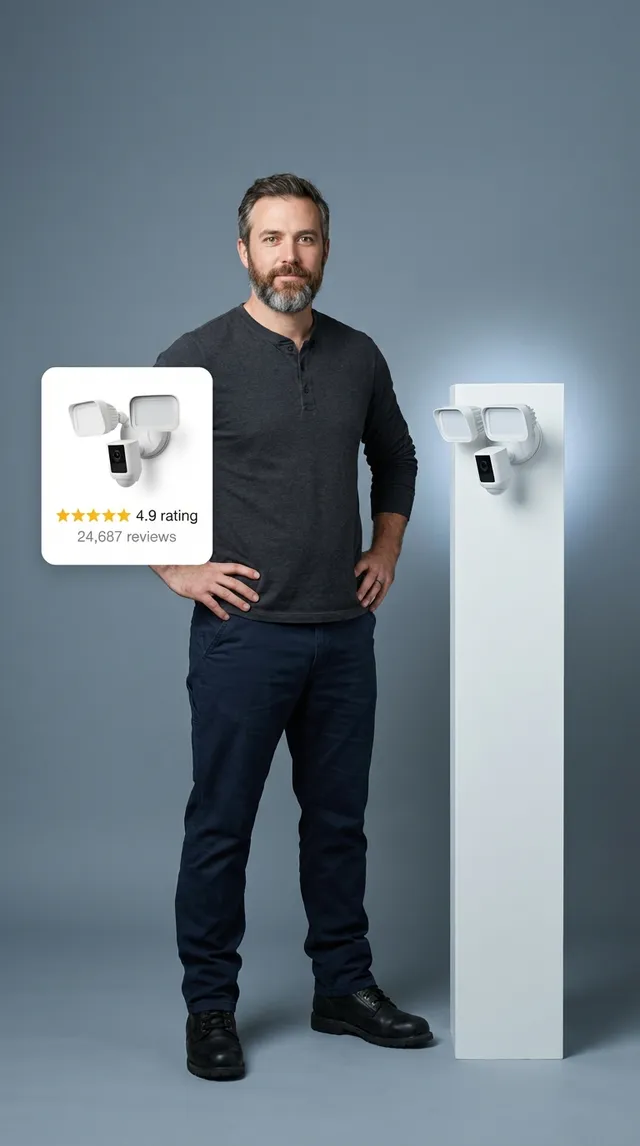
Wyze Floodlight Camera
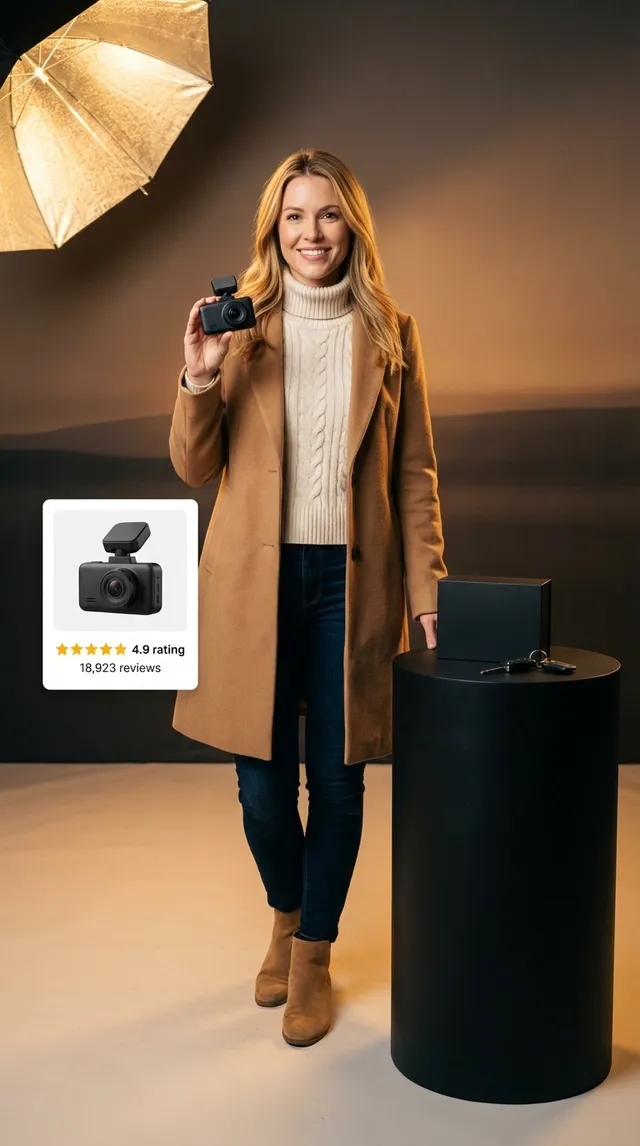
Garmin Dash Cam Mini 2
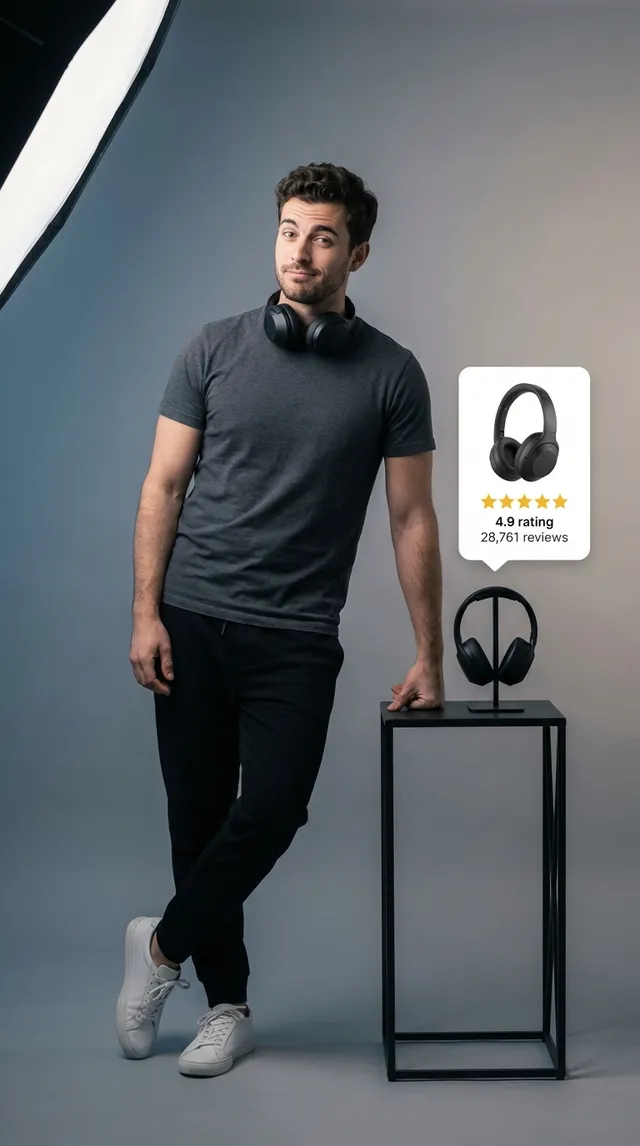
Sony WH-1000XM5 Headphones
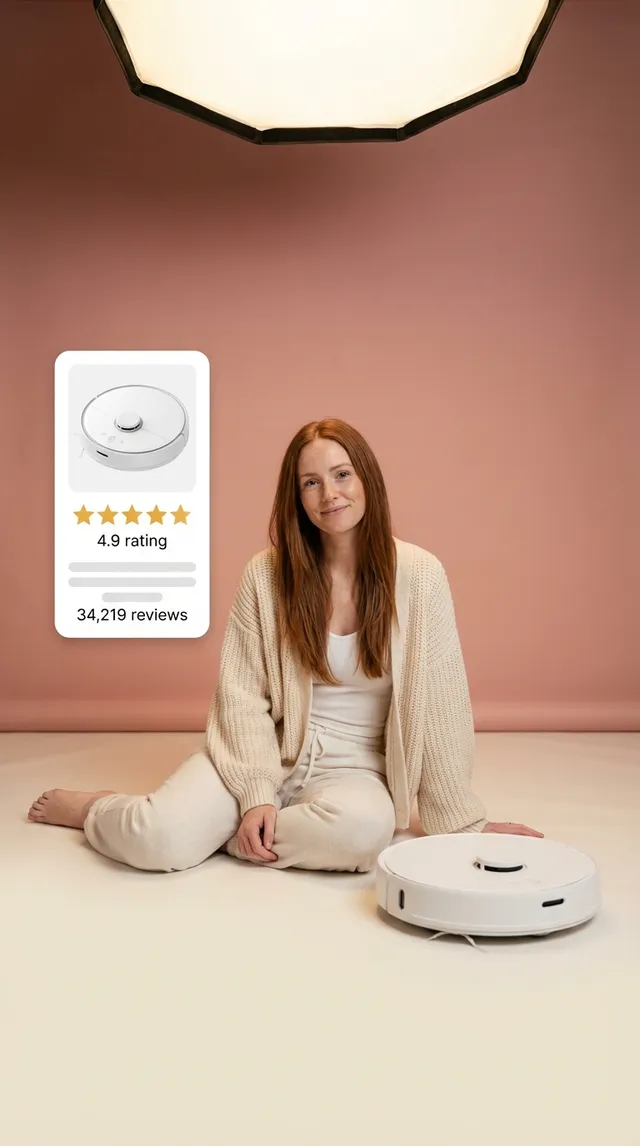
Roborock S8 Robot Vacuum
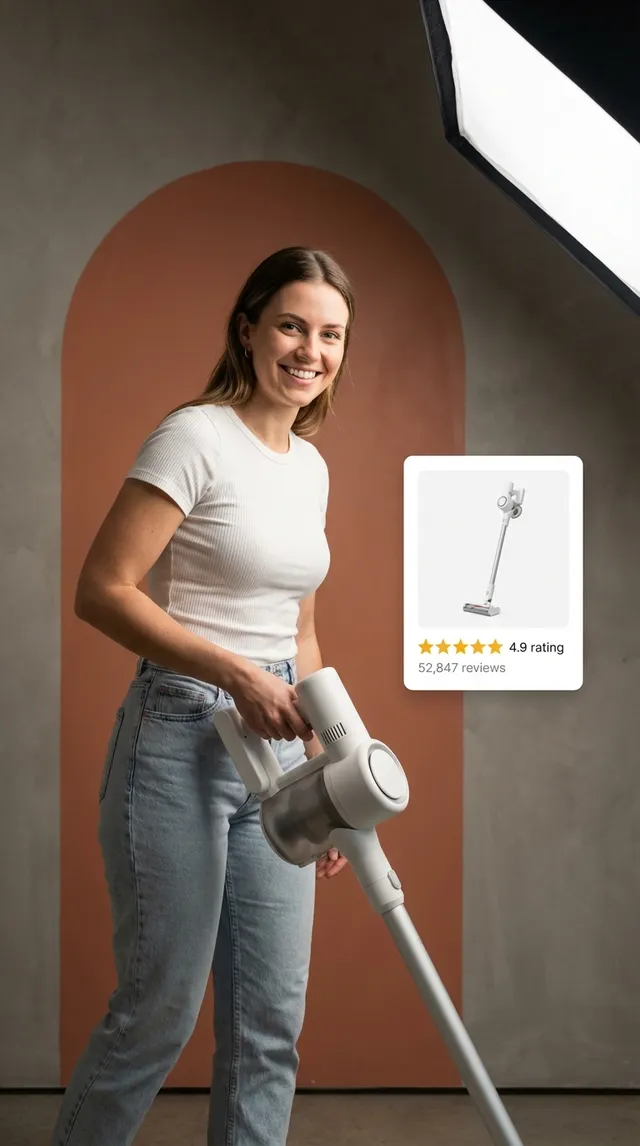
Dyson V15 Detect Vacuum
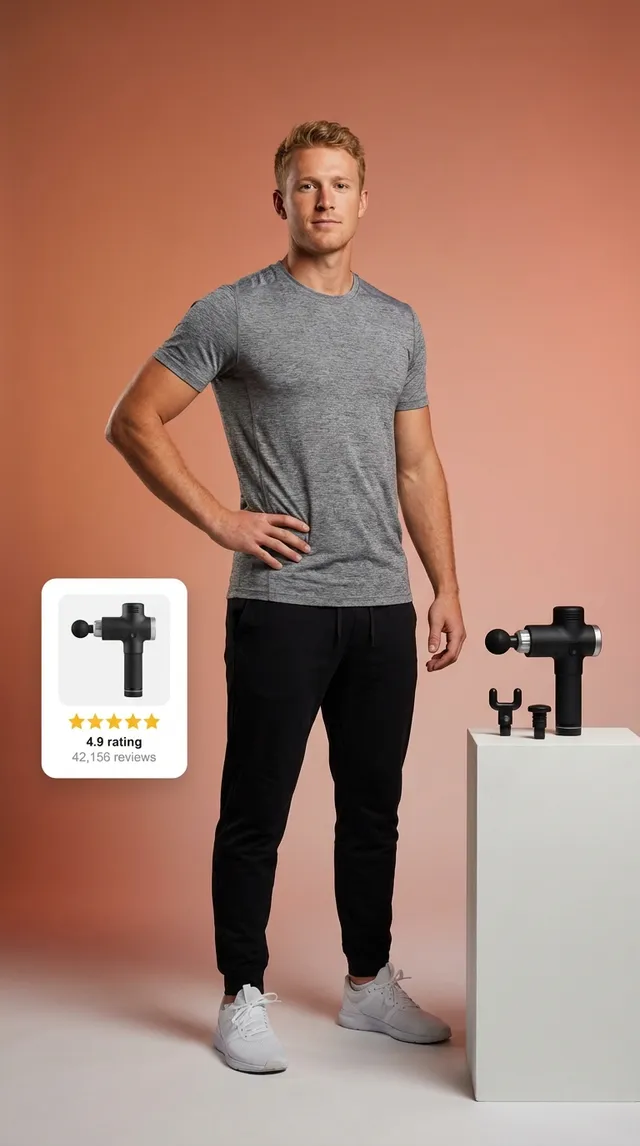
Theragun PRO Massage Gun
Wyze Floodlight Camera
Garmin Dash Cam Mini 2
Sony WH-1000XM5 Headphones
Roborock S8 Robot Vacuum
Dyson V15 Detect Vacuum
Theragun PRO Massage Gun
How to Add QR Codes to Your AI-Generated Media
AI Images
Embed QR codes directly into AI-generated images
Nano Banana / Gemini Image
Upload your QR code PNG alongside your base image (or just the QR alone). Gemini 3 Pro can intelligently blend the QR into your scene.
Steps:
- Download your transparent QR PNG
- Upload both images to the AI tool
- Use the prompt below to position it
Place this QR code in the bottom-right corner of the image. Keep the QR code fully visible and scannable. Blend it naturally with the scene using a subtle shadow. The QR should be approximately 15% of the image width.
Integrate this QR code into the top-left corner of the image. Make it feel part of the scene - perhaps on a sign, screen, or surface that fits the context. Ensure all QR modules remain clear and scannable.
Other AI Image Tools
For tools like Midjourney, DALL-E, or Stable Diffusion that don't support image inputs, generate your base image first, then composite in Canva, Photoshop, or Figma.
Pro tip for prompting:
Add these phrases to your image generation prompts to leave clean space for QR overlay:
...with a clean, minimal area in the bottom-right corner, suitable for adding a small overlay element
...composition leaves negative space in one corner, professional product photography style
AI Videos
Add QR codes to AI-generated video content
Kling AI & Element Tools
Kling and similar tools support "Elements" - static overlays that persist throughout your video. Perfect for QR codes!
Steps:
- Upload your QR PNG as an "Element" or "Sticker"
- Position it in a corner (bottom-right works best)
- Set duration to match your full video
- Use a subtle entrance animation if available
...ensure the bottom-right corner of the frame remains relatively static and uncluttered throughout the video, suitable for an overlay element
Google Veo 3 & Generative Video
For pure AI video generators, generate your video first, then add the QR as an overlay in post-production using CapCut, Premiere, or DaVinci Resolve.
Best practices:
- Display QR for at least 3-5 seconds
- Use "Normal" blend mode for transparency
- Add a subtle drop shadow for visibility
- Consider a brief "Scan me" text animation
In your video editor, add the QR PNG to a track above your video. Set opacity to 90-100%, position in corner with 5% margin from edges. Add a 0.5s fade-in at the start.
Making It "Tappable"
Modern phones auto-detect QR codes
Great news: you don't need a camera app! On iOS, long-press any image containing a QR code and it shows the link. Android does the same via Google Lens (long-press or use the Google app). This works for screenshots, saved images, and even paused video frames. No extra work needed from you!
Pro Tips for Best Results
- •Minimum size: QR should be at least 1.5cm when printed/displayed for reliable scanning. On screen, aim for 100px+ for mobile viewers.
- •Contrast matters: Use the shadow feature if your background is busy or similar to your QR color. White shadow for dark backgrounds, black for light.
- •Short URLs: Services like bit.ly, dub.co, or your own domain create simpler, more scannable codes with fewer modules.
- •Test before sharing: Always scan your final image/video with your phone camera. Test on both iOS and Android if possible.
- •Video duration: If your QR appears briefly, add a "Scan for link" text near it to draw attention.
What is a QR Code?
A QR code (Quick Response code) is a two-dimensional barcode that can store information such as URLs, text, contact details, or other data. Originally invented in 1994 by Denso Wave for tracking automotive parts, QR codes have become ubiquitous in marketing, payments, and digital experiences. Unlike traditional barcodes that only hold data horizontally, QR codes store information both horizontally and vertically, allowing them to hold significantly more data—up to 7,089 numeric characters or 4,296 alphanumeric characters.
Modern smartphones can scan QR codes directly through their camera apps without requiring any additional software. This universal compatibility has made QR codes the preferred method for bridging physical and digital experiences, from restaurant menus to product packaging to interactive advertising campaigns.
Free QR Code Generator: No Account Required
Our free QR code generator requires no sign-up, no email, and no hidden fees. Generate unlimited QR codes instantly in your browser—everything happens client-side, meaning your URLs and data never touch our servers. This privacy-first approach ensures your links remain completely private while giving you professional-quality QR codes in seconds.
Unlike many "free" QR generators that watermark your codes, limit downloads, or require premium upgrades for basic features like custom colors, our tool provides full customization at no cost. Download high-resolution transparent PNGs ready for any project—print materials, digital content, AI-generated media, or social posts.
Transparent QR Codes for Seamless Integration
Transparent QR codes are essential for modern design workflows. Instead of placing an ugly white square on your carefully designed visuals, transparent PNGs blend seamlessly with any background—photos, videos, gradients, or solid colors. This is particularly valuable for e-commerce product images, social media content, and AI-generated visuals where aesthetic quality matters.
Our generator exports true transparency (alpha channel), not just a white background that matches your design. This means you can layer QR codes in Photoshop, Figma, Canva, or any design tool with proper compositing. The contrast shadow feature helps maintain scannability even on challenging backgrounds by adding a subtle halo effect.
QR Codes for E-commerce & Amazon Sellers
E-commerce sellers use QR codes to bridge offline and online experiences. Whether you're an Amazon seller, Shopify merchant, or multi-channel retailer, QR codes on product inserts, packaging, or thank-you cards can drive customers to review pages, exclusive content, warranty registration, or loyalty programs. The key is making the destination valuable enough that customers actually scan.
For Amazon specifically, QR codes are a compliant way to build your brand outside the marketplace. Link to your website, email list signup, or social channels. Just ensure you're not violating Amazon's Terms of Service by incentivizing reviews or redirecting away from legitimate customer service inquiries.
QR Codes for Social Media & Content Creators
Content creators embed QR codes in videos, thumbnails, and social posts to drive traffic without relying on "link in bio" workarounds. A QR code in your YouTube video end screen, TikTok content, or Instagram Reels provides a direct path to affiliate links, product pages, or subscriber signup forms that remains accessible even when your content is screenshotted or shared.
The rise of AI-generated content makes transparent QR codes even more valuable. Tools like Midjourney, DALL-E, and Stable Diffusion create stunning visuals, but getting viewers from those images to your actual products requires a bridge. QR codes—especially custom-colored ones that complement your brand palette—provide that bridge without disrupting the aesthetic.
QR Code Best Practices & Sizing Guide
Minimum Sizes by Use Case
- Business cards0.8" / 2cm
- Product packaging1" / 2.5cm
- Posters & signage1.2" / 3cm
- BillboardsDepends on viewing distance
- Digital screens150px minimum
- Mobile displays100px minimum
Scannability Factors
- Contrast ratio: 4:1 minimum between modules and background
- Quiet zone: Keep 4-module width margin around QR
- URL length: Shorter URLs = simpler codes = easier scanning
- Error correction: Higher levels allow more damage tolerance
- Module definition: Sharp edges scan better than blurry ones
Static vs Dynamic QR Codes
Static QR codes encode the destination URL directly into the code pattern. Once generated, they cannot be changed—the URL is permanent. Our generator creates static codes, which are perfect for permanent links, privacy-conscious applications, and scenarios where you don't need tracking or editing capabilities.
Dynamic QR codes point to a redirect service that forwards to your actual destination. This allows you to change the destination URL, track scans, and analyze geographic data—but requires a subscription service and means your scans route through a third party. For most creator and commerce use cases, static codes combined with UTM parameters provide sufficient tracking without the ongoing cost.
Popular QR Code Use Cases
AI-Generated Media
Embed scannable QR codes in AI videos and generated images for shoppable content
Product Packaging
Link to instructions, warranty registration, or reorder pages
Restaurant Menus
Touchless menu access that updates in real-time
Event Tickets
Mobile check-in without paper tickets
Business Cards
vCard downloads for instant contact saving
Marketing Campaigns
Track print-to-digital conversion rates
Payments
Direct links to payment apps or cryptocurrency wallets
Wi-Fi Sharing
One-scan network connection for guests
App Downloads
Deep links to App Store or Google Play
Social Profiles
Linktree alternatives with direct platform links
Frequently Asked Questions
Are QR codes free to create and use?
Yes, QR codes themselves are an open standard—no licensing fees or royalties. Our generator is completely free with no watermarks, limits, or hidden charges. You own the QR codes you create.
Do QR codes expire?
Static QR codes never expire—the data is encoded directly in the pattern. Dynamic QR codes (from redirect services) may expire if you cancel your subscription or the service shuts down.
Can I customize QR code colors?
Yes! Dark colors on light backgrounds work best for scannability. Avoid low-contrast combinations like yellow on white. Our generator includes a contrast shadow feature to maintain readability on challenging backgrounds.
What's the maximum data a QR code can hold?
QR codes can store up to 7,089 numeric characters, 4,296 alphanumeric characters, or about 2,953 bytes of binary data. For URLs, we recommend keeping links under 100 characters for optimal scanning.
How small can a QR code be and still work?
For reliable scanning, QR codes should be at least 1cm (0.4 inches) in printed materials or 100 pixels for digital displays. Larger codes are more forgiving of damage, distance, and poor lighting.
Can I put a logo inside my QR code?
QR codes have built-in error correction that allows up to 30% of the code to be obscured. However, logo placement requires careful testing. Our transparent PNG output lets you layer logos separately for more control.